Appearance
Frame
Frame orients the camera to a set position in realtion to the model or selection.
How to use Frame
Either
- Choose
Camera > Frameto frame a selection
or
- Choose
Camera > Frame Work Areato frame the work area.
If nothing is selected then the regular frame will also frame the work area.
Examples
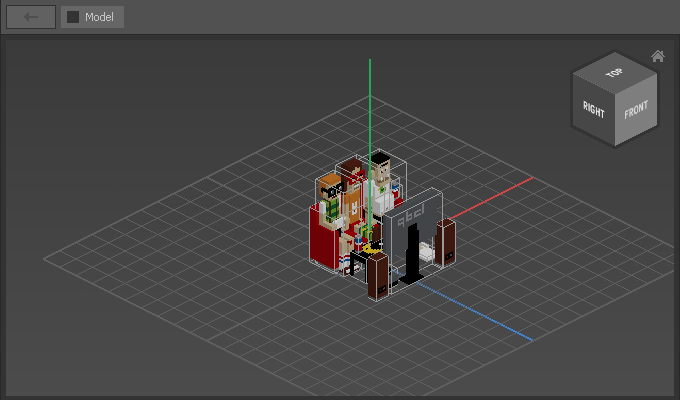
Frame Work Area or Frame with nothing selected:
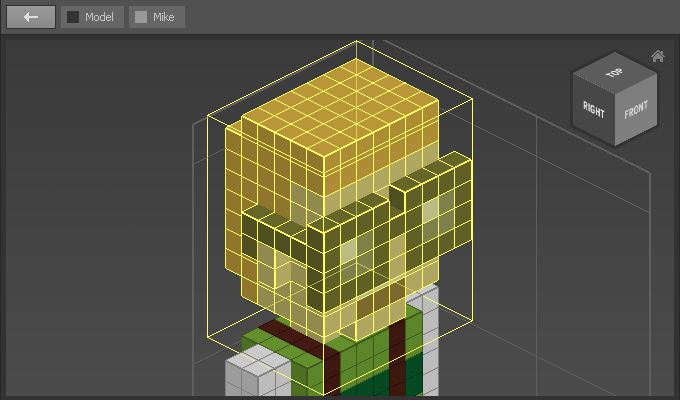
Frame with object selected:
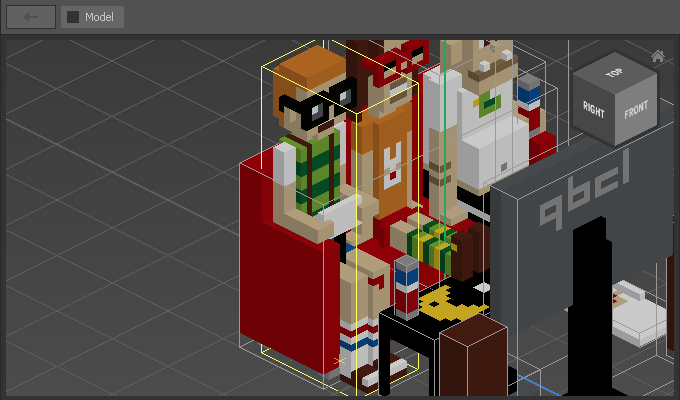
Frame with voxels selected: