Appearance
Camera Properties
Use Camera Properties to set the exact position and alignment of the camera.
How to Set Camera Properties
- Choose
Camera > Properties - Adjust properties
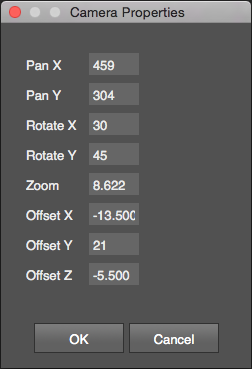
The camera properties window opens with the current values of the camera. Changing the values updates the camera in real time. The Pan values change with the size of the Work Area.