Appearance
Fill Hollows
Use Fill Hollows to fill all hollows of a Matrix with the foreground color. Having a solid core will save a lot of geometry on mesh export, because unseen inner walls will not be included in the mesh.
How to use Fill Hollows
- Select Voxel Matrices
- Choose
Modify > Core > Fill Hollows
Example
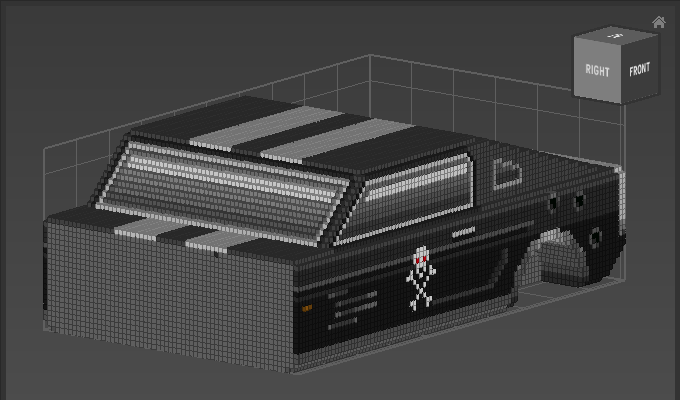
Note that the work area of the Matrix has been resized after the operation to show the cross section.