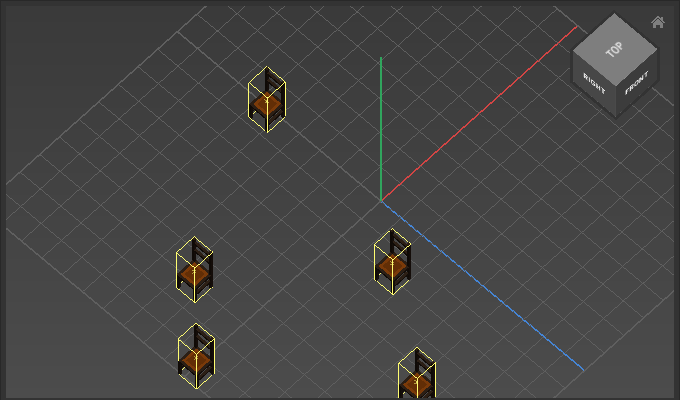
Appearance
Align
Use Align to line up a selection of objects.
How to Align
- Select multiple objects
- Choose
Transform > Align > Align - Adjust options
Options
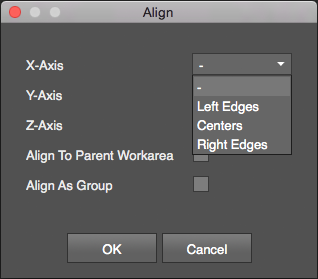
| Option | Description |
|---|---|
Axis | Sets edges/centers to align to relative to the limiting bounds of all objects. Use - to leave an axis unchanged. |
Align To Parent Work Area | Enable to align objects in relation to the center of the work area. |
Align As Group | Enable to align objects as a group in relation to the work area center. This option only works when Align to Parent Work Area is enabled. |
Examples
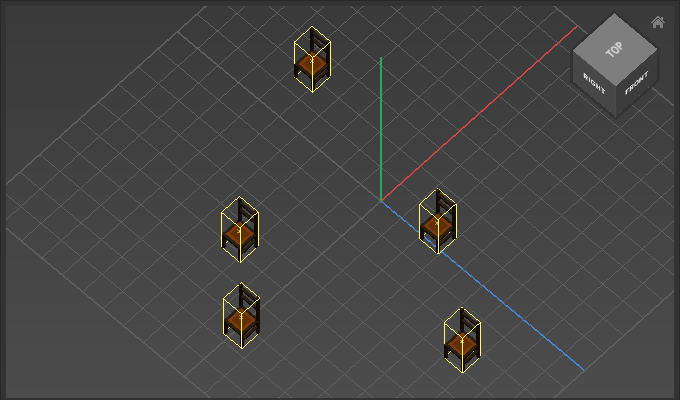
Align X-Axis: Left Edges aligns the left edges to the left edge of the furthest object:
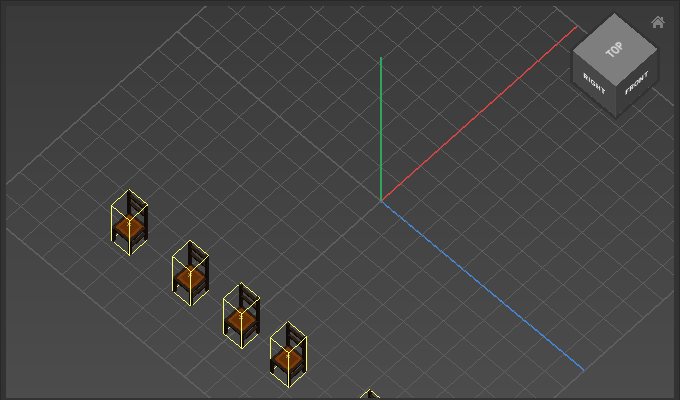
Align X-Axis: Center Edges aligns the centers of the objects to the center point of the selection:
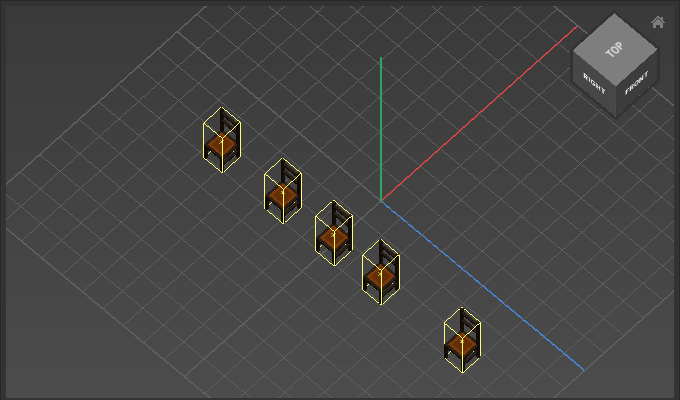
Align X-Axis: Right Edges aligns the right edges to the right edge of the furthest object:
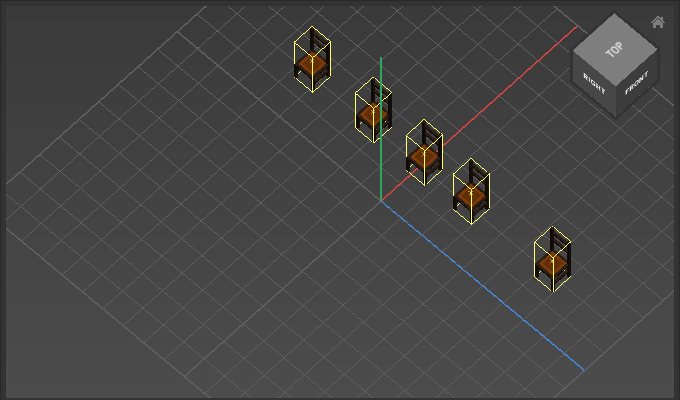
Align X-Axis: Center Edges with Align To Parent Work Area enabled
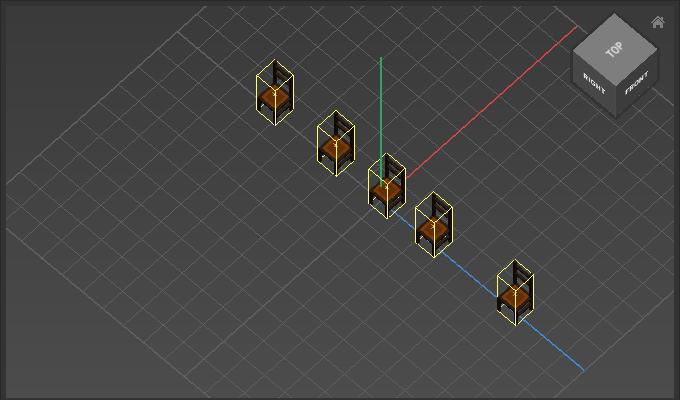
Align X-Axis: Right Edges with Align To Parent Work Area and Align As Group enabled