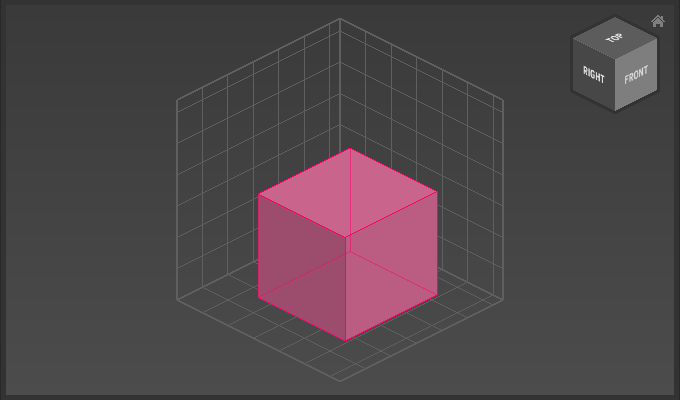
Appearance
Standard Primitive Tools
Use the Standard Primitive Tools to draw shapes like cubes or spheres made of voxels in the active matrix.
Overview
| Tool | Icon | Shortcut | Description |
|---|---|---|---|
| Cube Tool |  | Draws a cube. | |
| Sphere Tool |  | Draws a sphere. | |
| Pyramid Tool |  | Draws a pyramid | |
| Cone Tool |  | Draws a cone | |
| Cylinder Tool |  | Draws a cylinder |
How to use Standard Primitive Tools
- Open the Matrix Editor.
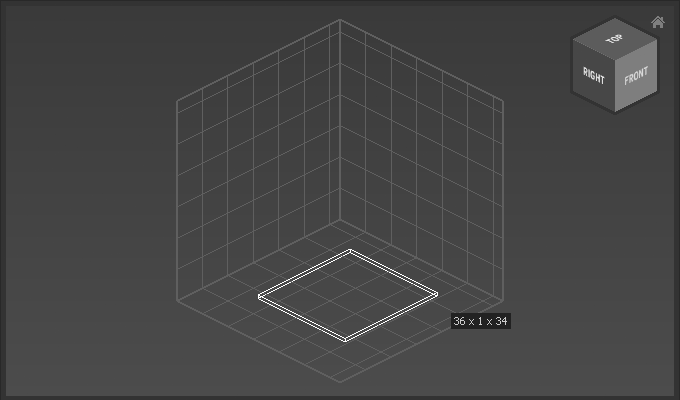
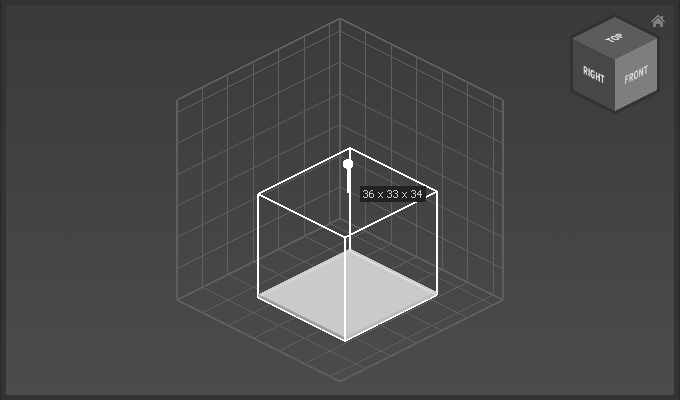
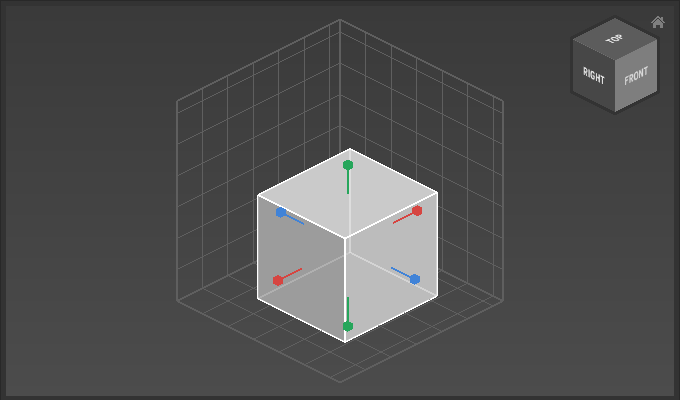
Dragthe base of the shape.Dragthe handle to set the height of the shape.Dragthe resize handle to set the shape's final size.Enterto apply size.- Move shape to final postion by using
Arrow Keysor the move tool. Enterto apply.
Example
Drag base:
Drag height:
Resize:
Apply size: