Appearance
Export Slices
Export your objects in a series of images, one per slice.
How to Export Slices
- Select the objects you want to export
- Choose
File > Export > Slices - Adjust Export Settings
- Select a filename and destination
Export Settings
| Setting | Description |
|---|---|
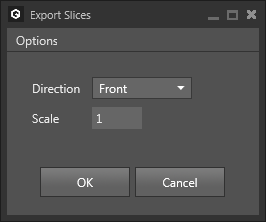
Direction | Sets the slice direction |
Scale | Sets the number of pixels used per voxel. A value of 5 will create 5x5 pixels per voxel. |
Example
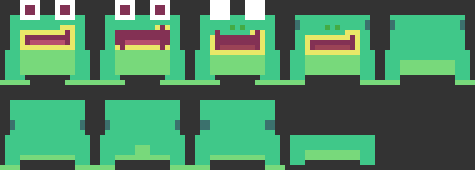
Exporting the default model Frog with the settings Direction: Front and Scale: 5 will create a sequence of 9 png images: