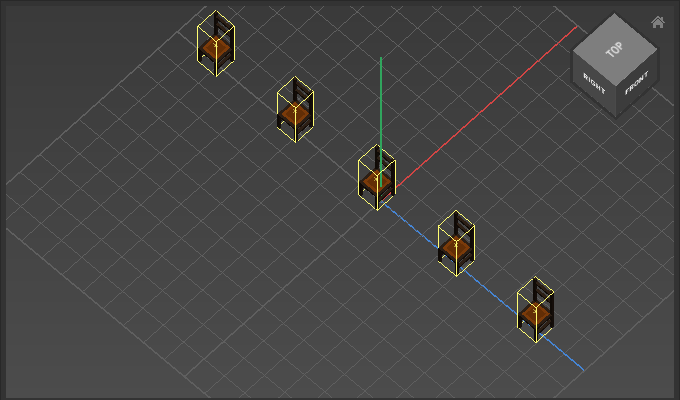
Appearance
Distribute
Use Distribute to spread objects evenly between the two furthest objects.
How to Distribute
- Select multiple objects
- Choose
Transform > Distribute > Distribute - Adjust options
Options
| Option | Description |
|---|---|
Axis | Sets edges/centers to distribute relative to the limiting bounds of all objects. Use - to leave an axis unchanged. |
Example
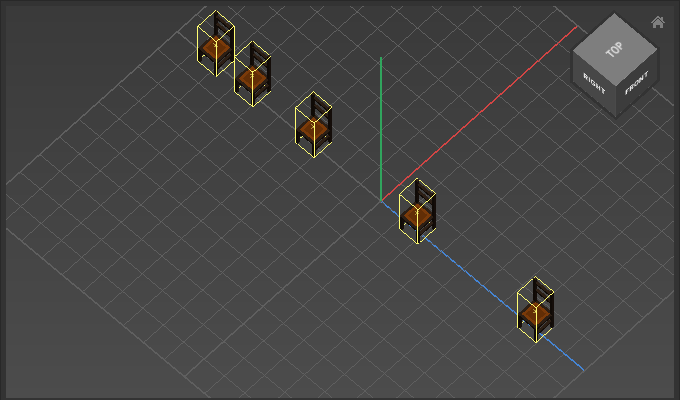
Z-Axis: Centers