Appearance
Edit Isolated / In Place
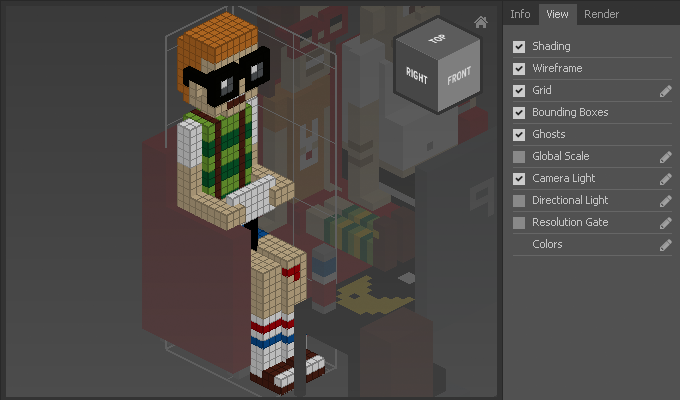
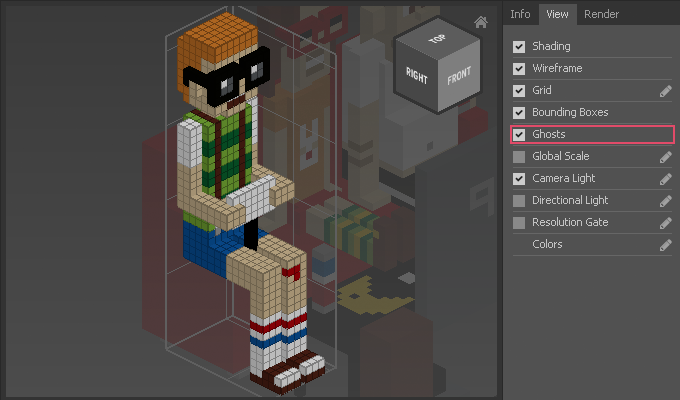
Edit Isolated and Edit in Place determine how other objects are displayed as ghosts while editing the active object. Ghosts are semi-transparent voxels that can be enabled for easy editing in relation to other objects.
How to Edit Isolated
Dbl-Clickan object
or
- Select a single object
- Choose
Edit > Isolated
and make sure that Ghosts is checked in the View tab
Now the other objects will be ghosted behind the active object (see table).
How To Edit In Place
- Hold down
Shift' andDbl-Click` an object
or
- Select a single object
- Choose
Edit > In Place
and make sure that Ghosts is checked in the View tab
Now the other objects will be ghosted in front of the active object (see table).