Appearance
Isometric View
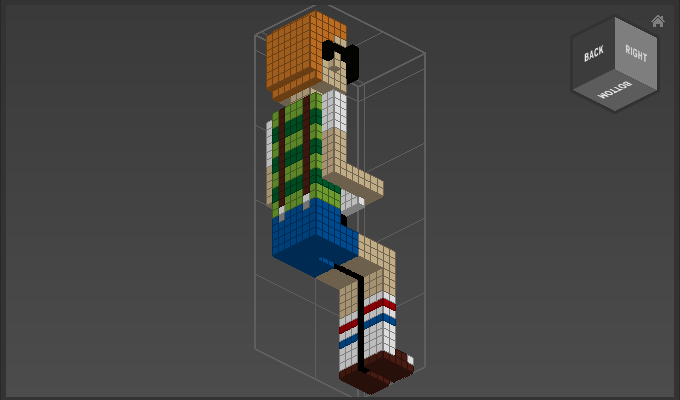
Use Isometric View to move the camera to an isometric view with three sides of the model equally visible.
How to Use Isometric View
Either
- Choose a side from
Camera > Isometric View
or
- Choose
Camera > Isometric View > Nearestto automatically pick the nearest isometric view.
Example
Camera > Isometric View > Bottom Back Right: