Appearance
Duplicate Special
Use duplicate special to create multiple, translated copies.
How to Duplicate Special
- Select a single object in Model View
- Choose
Edit > Duplicate Special - Adjust Options
Options
| Option | Description |
|---|---|
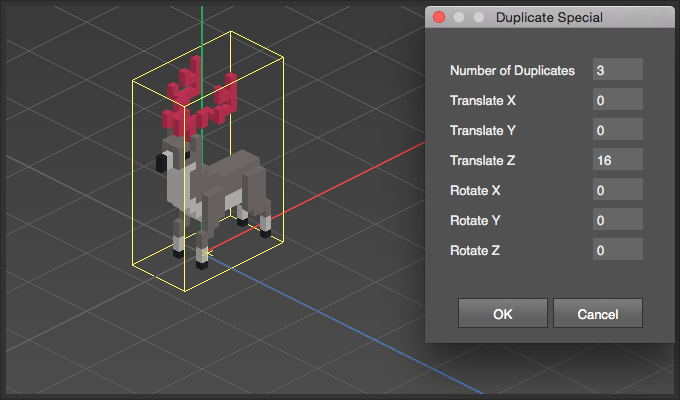
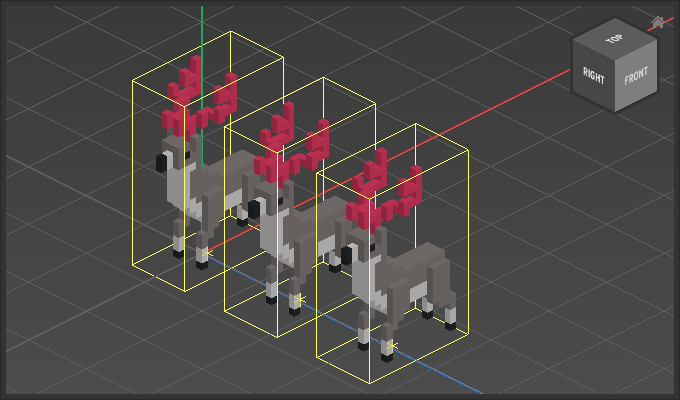
Number of Duplicates | Sets the total amount of copies after the operation. A value of three will produce two duplicates, for a total of three of the same object. |
Translate | Sets the distance each copy will be from another. |
Example