Appearance
Resize
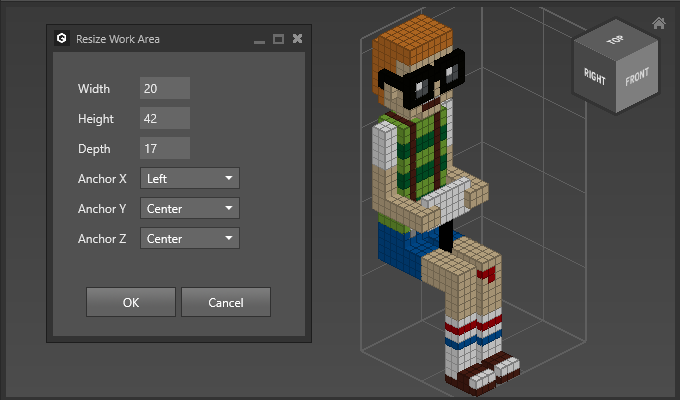
Use Resize to change the size of an objects work area.
How to Resize an Object
- Select objects
- Choose
Modify > Work Area > Resize - Adjust Options
Options
| Option | Description |
|---|---|
Width | Sets the new width of the object. |
Height | Sets the new height of the object. |
Depth | Sets the new depth of the object. |
Anchor X/Y/Z | Sets the direction in which resize is applied. If Center is selected then it is evenly applied to both directions. |
Example
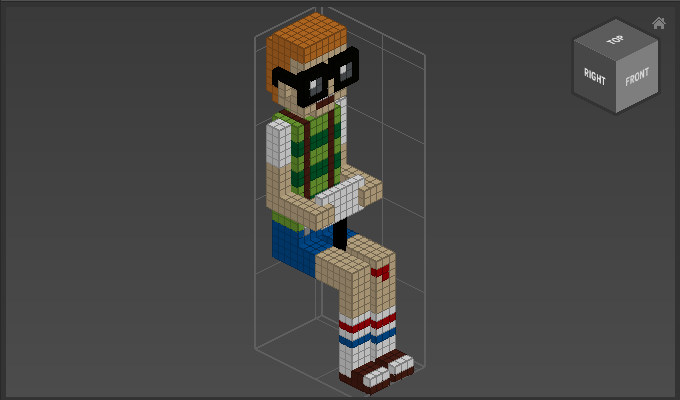
Resize by 10 units on the X-axis to the left side: