Appearance
Integer Scale
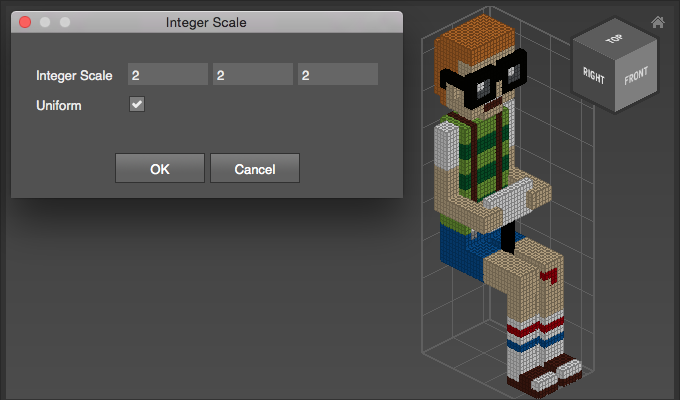
Use Integer Scale to multiply the number of voxels. This can be useful to keep the geometry unchanged, but allow room for finer detail.
How to Scale
- Select a Matrix
- Choose
Transform > Integer Scale - Adjust options
Options
| Option | Description |
|---|---|
| Integer Scale | Sets the mulitplier for each axis. |
| Uniform | Enable to scale evenly on all axes. |
Example
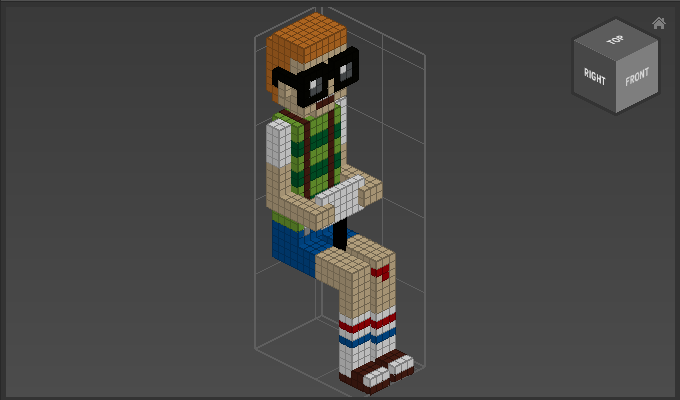
Double the amount of voxels for all axes: