Appearance
Pivot
Use Pivot functions to set the export pivot that is used for Export Mesh. The pivot is displayed as a little yellow star in the selected object. The pivot has no effect inside Qubicle and is only important when exporting the model for use in a different program.
How to Set the Pivot Position
- Select objects
- Choose
Modify > Pivot > Position
How to Center the Pivot
- Select objects
- Choose
Modify > Pivot > Center
How to Align the Pivot
- Select objects
- Choose
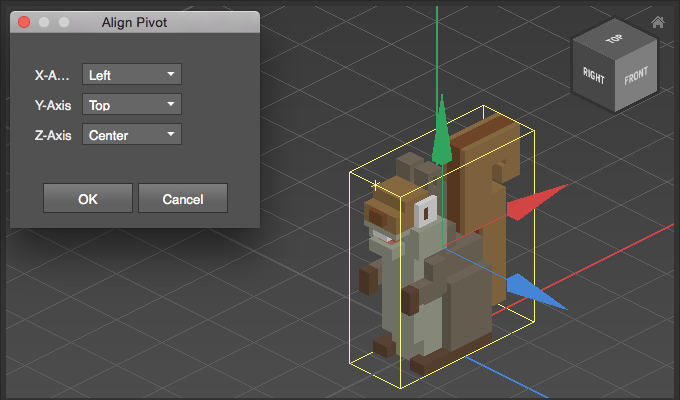
Modify > Pivot > Align Pivot - Adjust align options for each axis
Example
Align Pivot uses the object's bounding box as reference. In the follwing case the pivot is moved to left / top / center: