Appearance
Optimize
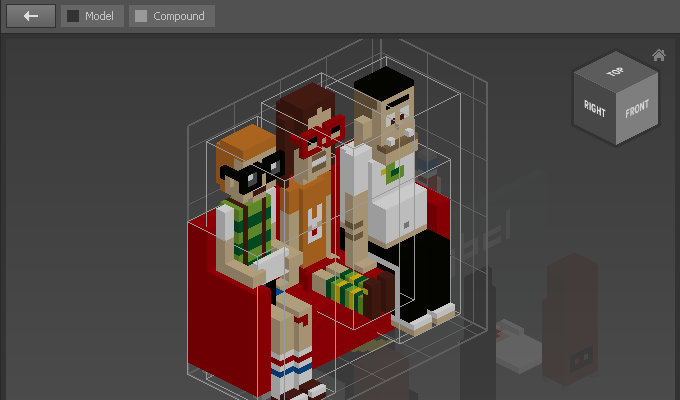
Use Optimize to automatically resize objects to perfectly envelop its content. Optimize can be used for Matrices and Compounds.
How to Optimize
- Select objects
- Choose
Modify > Work Area > Optimize
Examples
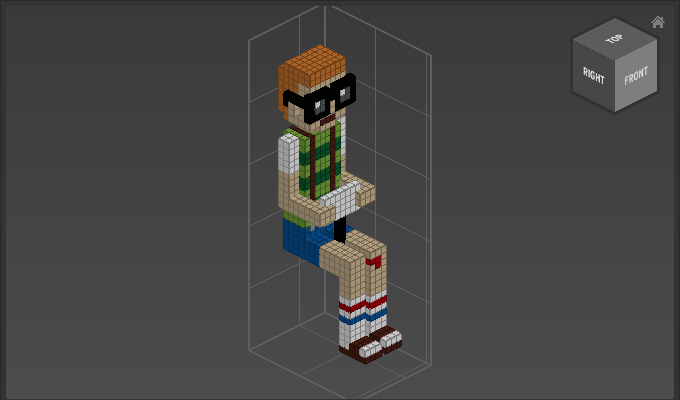
Use Optimize to cut of the empty space:
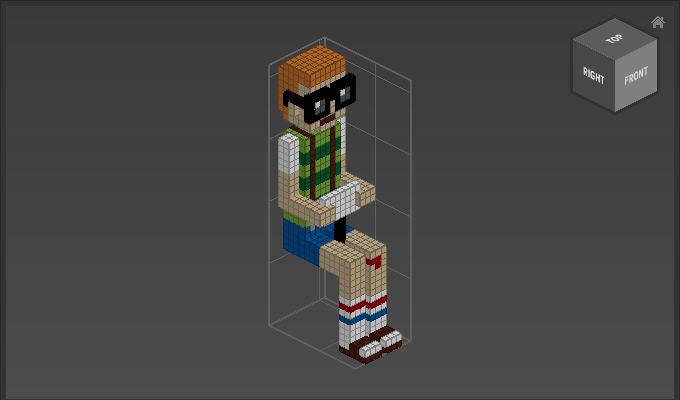
In the following example the Compound's work area is smaller than its content:
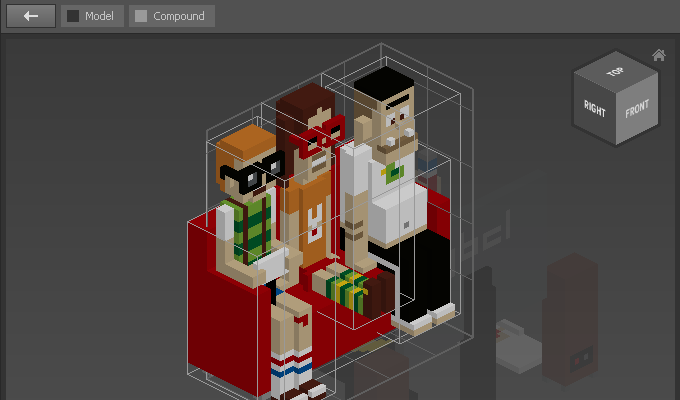
Use Optimize to increase the size, so that everything fits: